Login to QPP
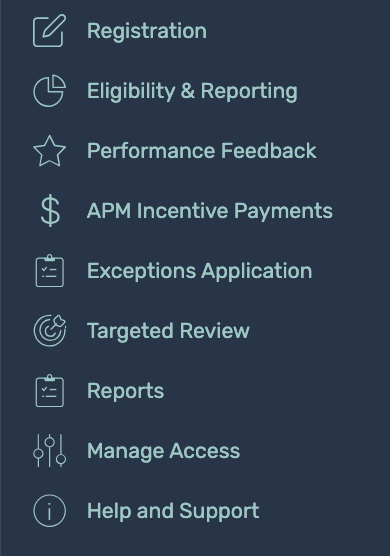
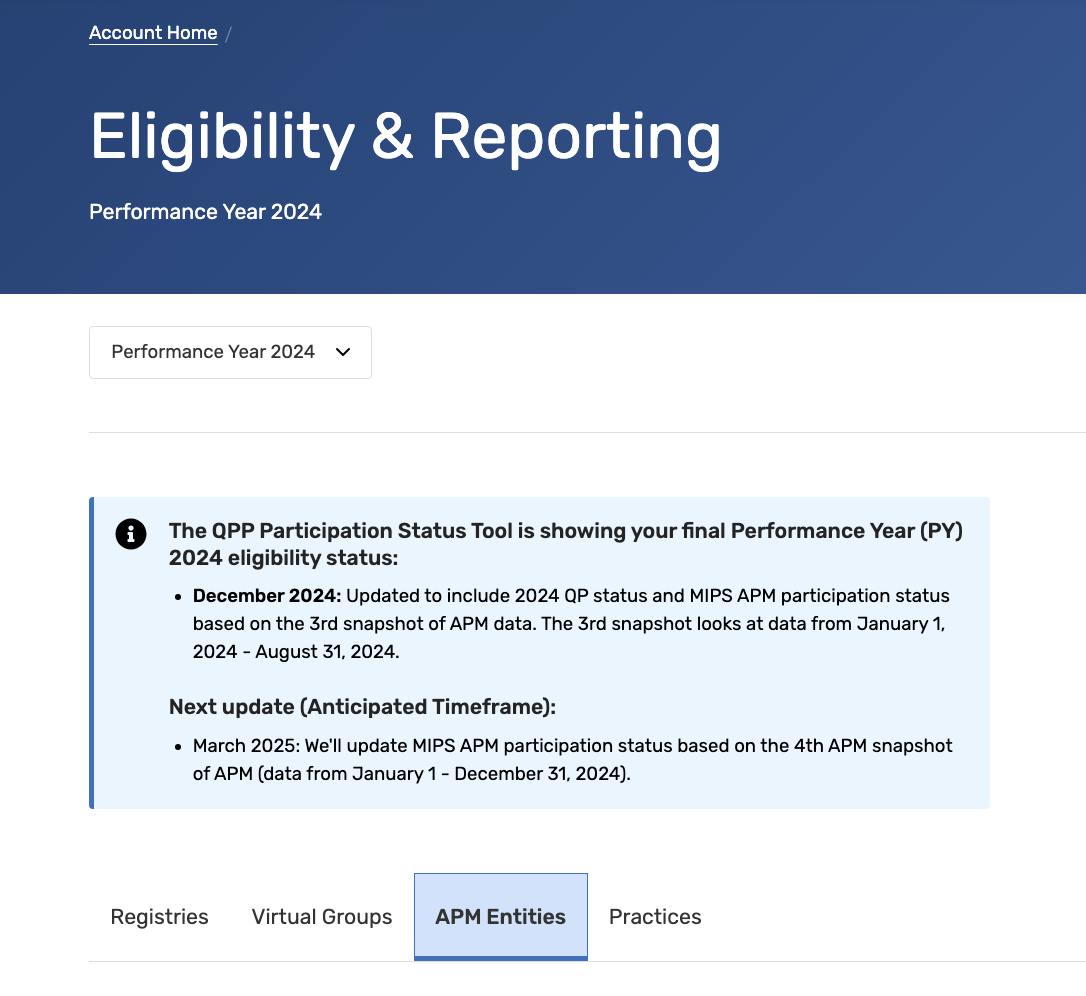
Go to Eligibility & Reporting > APM Entities
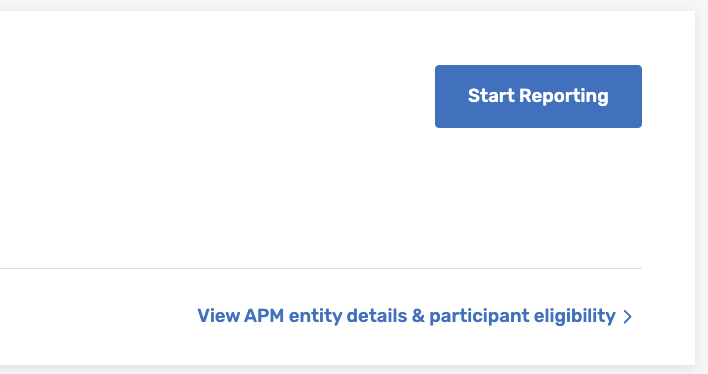
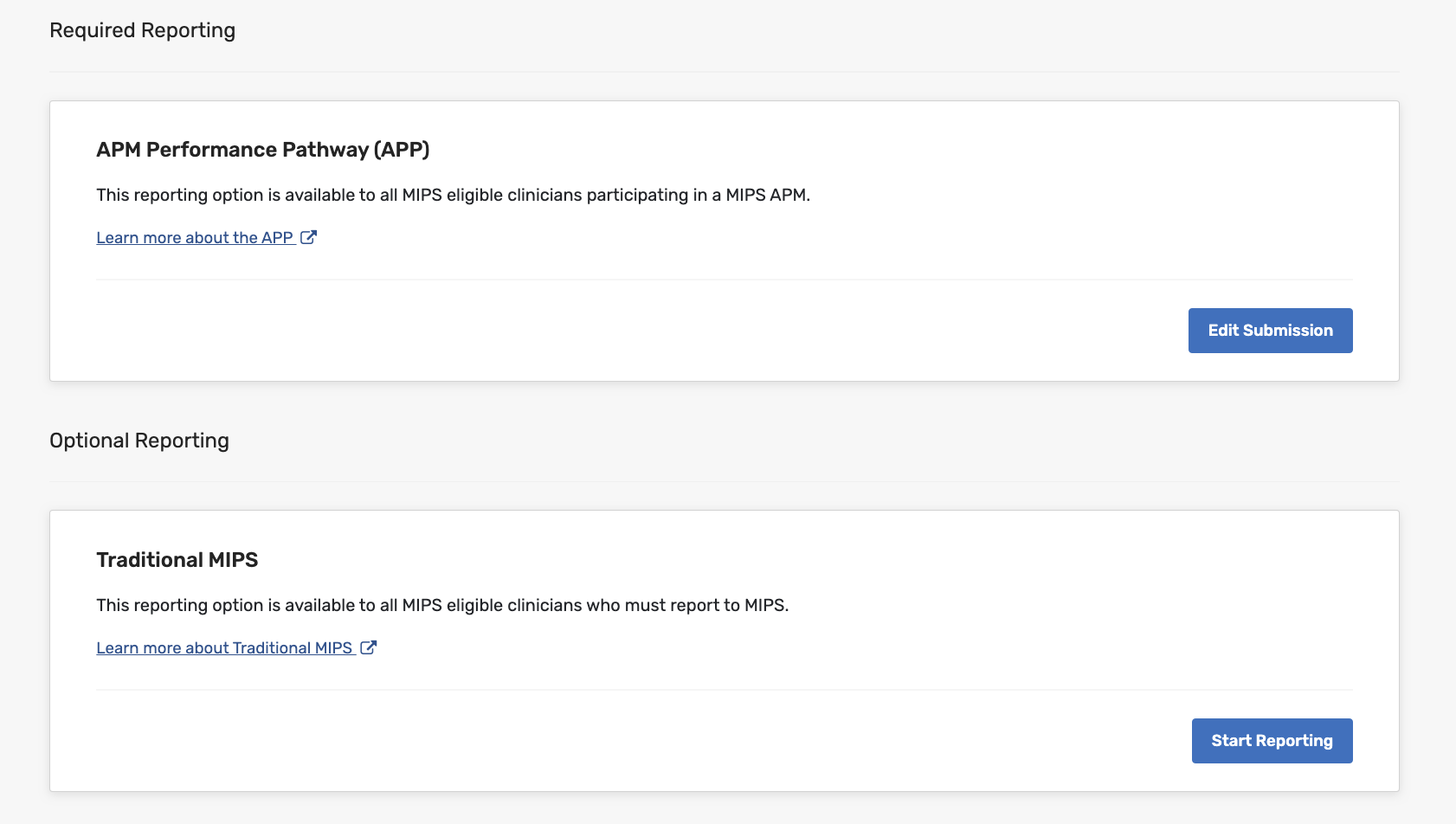
Go to Start Reporting
Go to APM Performance Pathway (APP) > Edit Submission
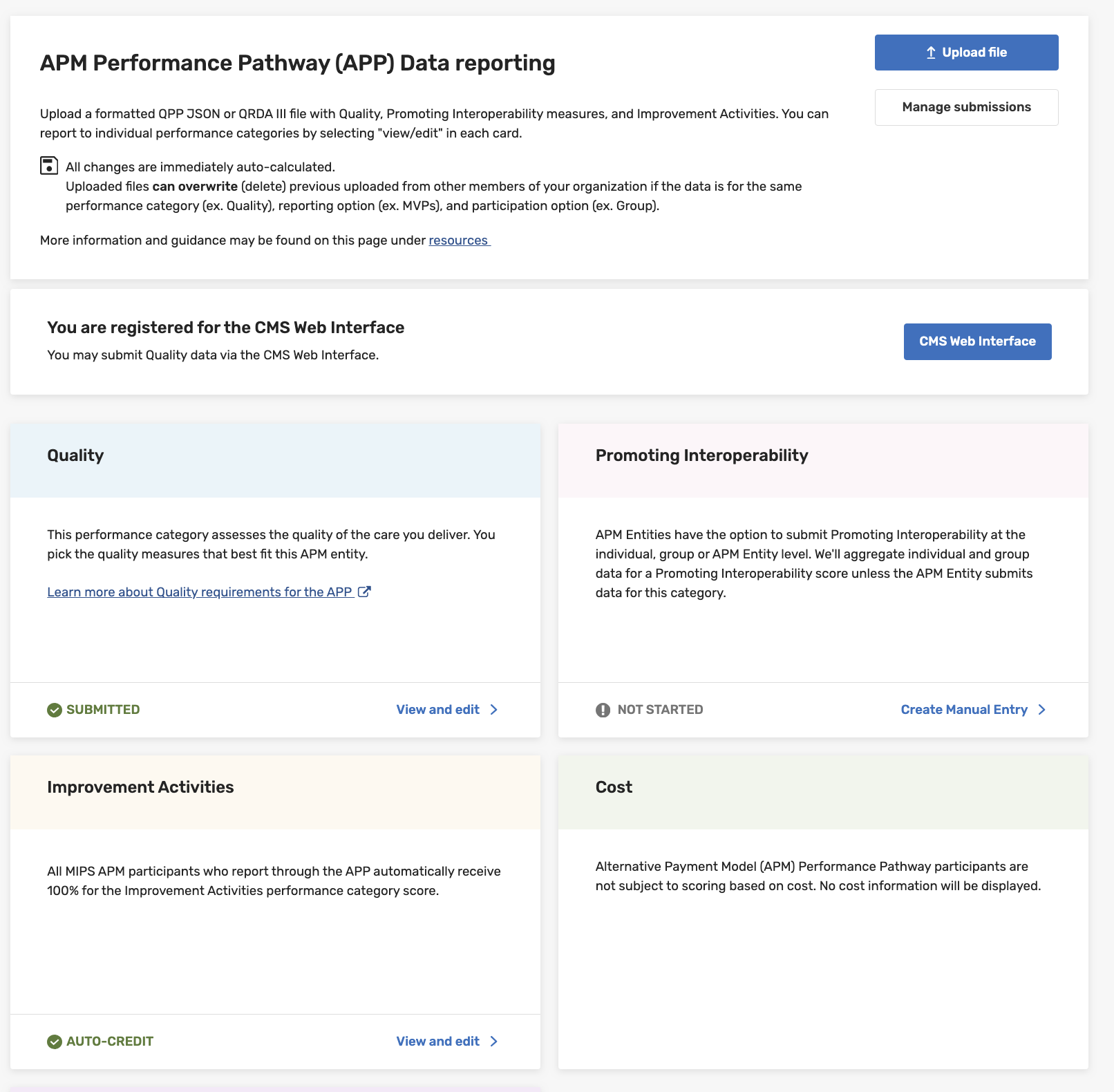
Go to Quality > View and Edit
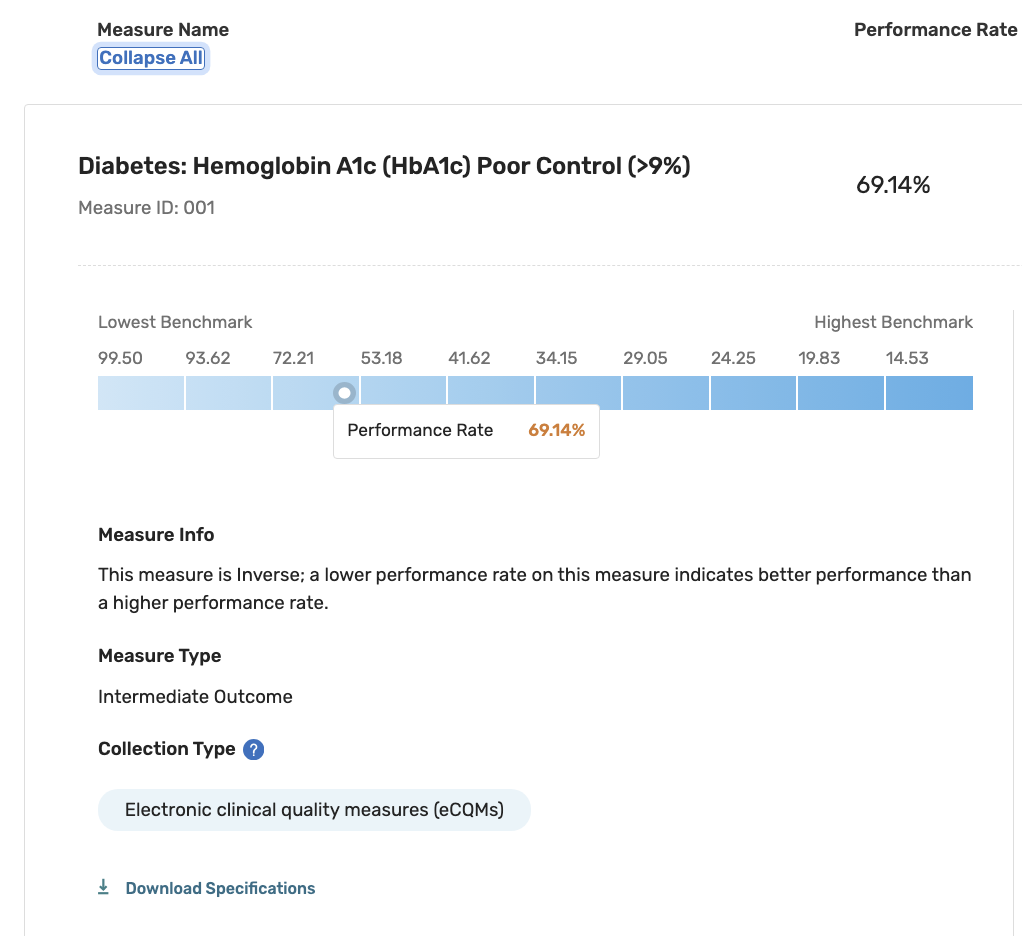
If you only submitted eCQMs, MIPS CQMs, or Medicare CQMs, you will see them under Submitted Measures. If you also submitted the Web Interface, only the Web Interface measures will be displayed.
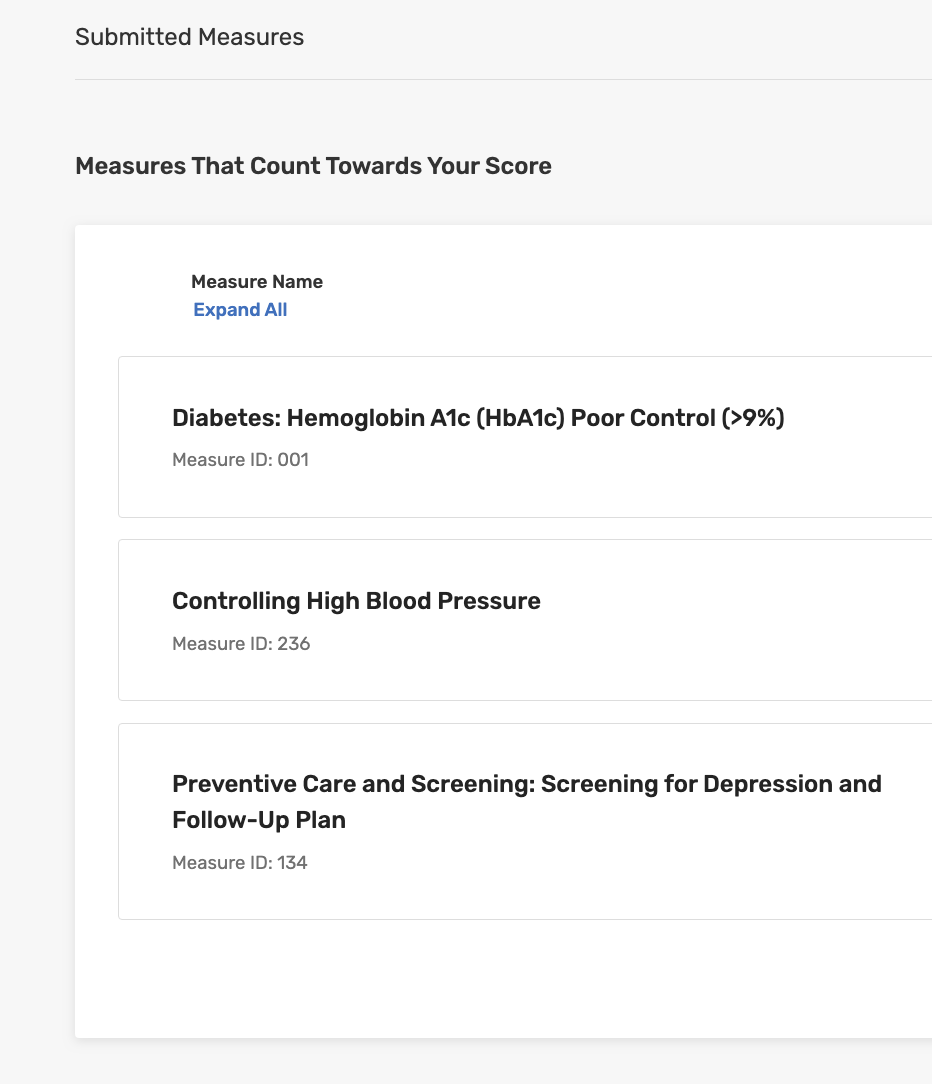
Expand All to see further details like Measure Info, Measure Type and Collection Type